Tap and move
Tap the counting surface to add a round. Separate plus and minus controls make quick corrections easy.
 Tap Counter
iPhone · iPad · Apple Watch
Tap anywhere to count a round. Set a goal, start a countdown, and keep your focus on the next round.
Free for iPhone, iPad, and Apple Watch. No account required.
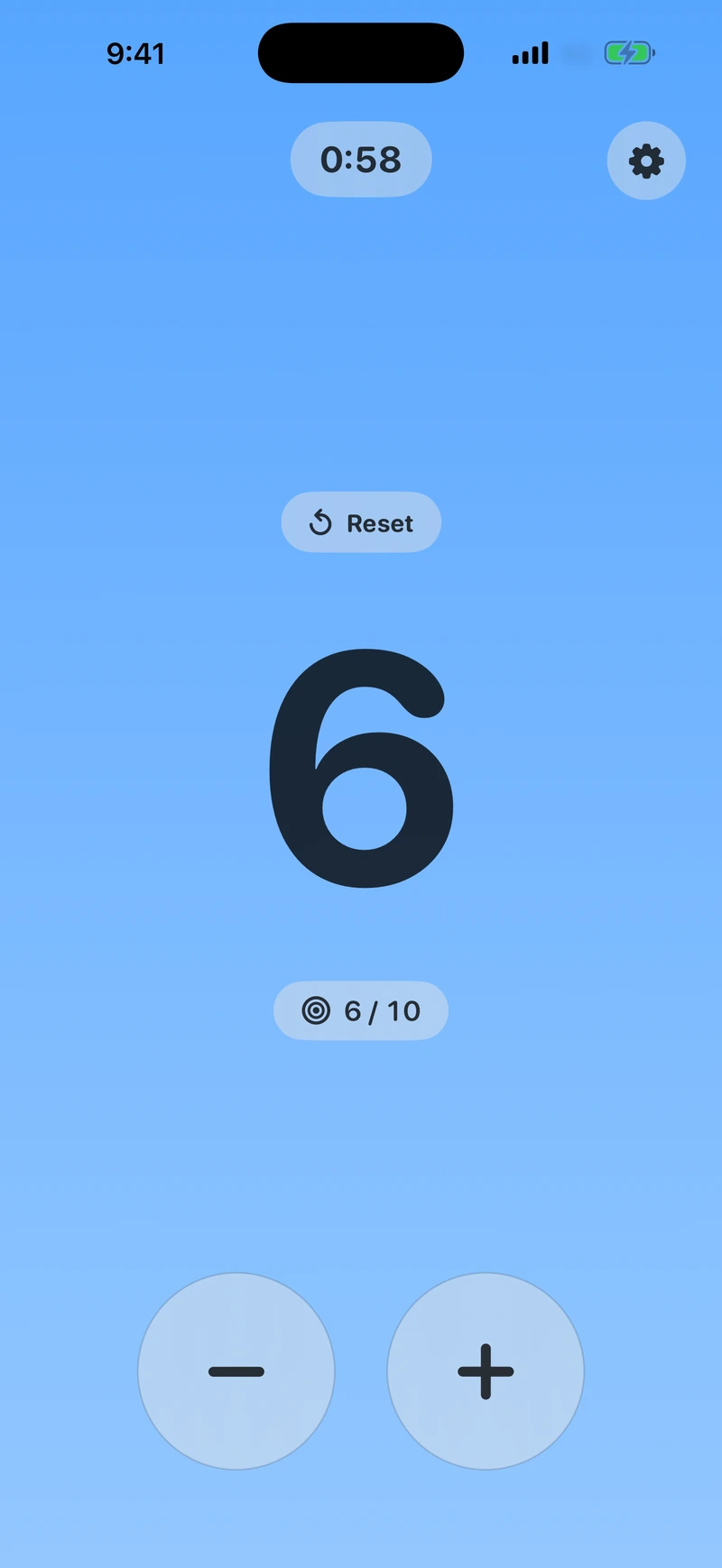
Tap the counting surface to add a round. Separate plus and minus controls make quick corrections easy.
Choose any goal from 1 to 9,999 rounds. Type it directly on iPhone or iPad, or use the Watch’s digit editors.
A countdown starts with your first round. A clear “Time’s up” message marks the finish, and counting can continue.
New in version 1.1
Count, set a goal, and run a countdown directly on Apple Watch. Every setting is a few taps or a turn of the Digital Crown away.
Leave your phone behind. Your Watch saves its own session and works independently. Counts and settings stay separate on each device.
Get started on Apple Watch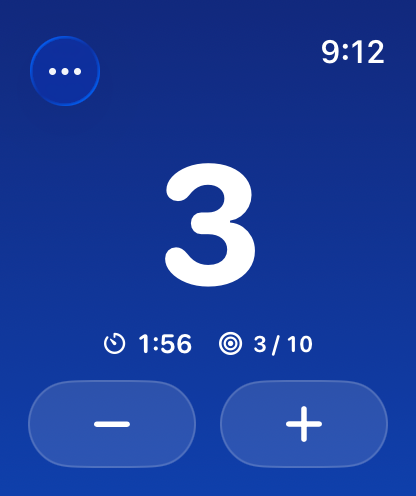
More room on iPad
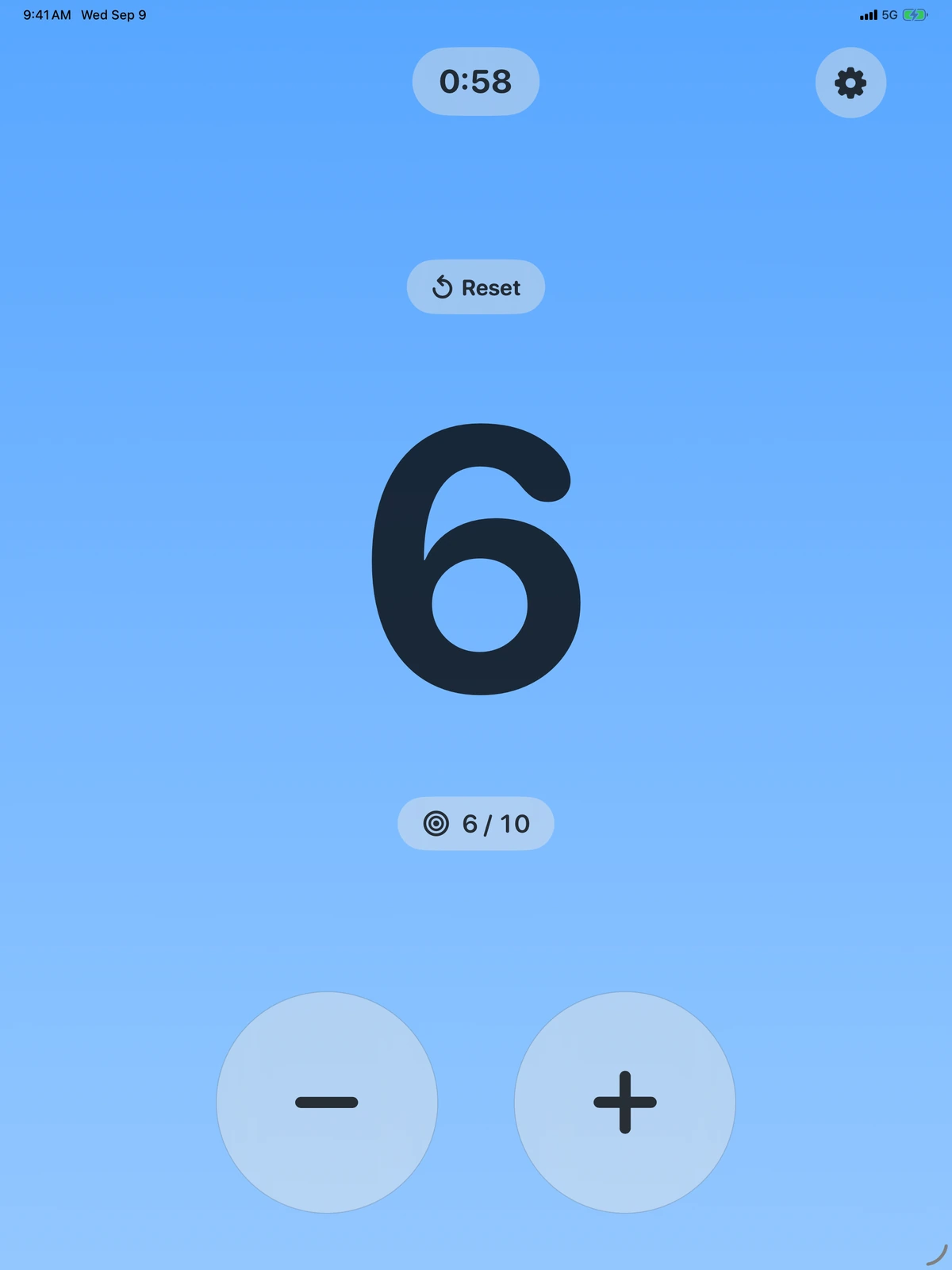
A larger count, roomier controls, and a clear timer make the most of your iPad’s screen.
Pick from 26 color families and System, Light, or Dark appearance. VoiceOver labels and support for Reduce Motion keep the essentials accessible.
Private by default
Tap Counter has no accounts, ads, analytics, or tracking. Your count and preferences stay on each device. There is no cloud sync or HealthKit workout recording.